
CSS PLAY
Doing It With Style


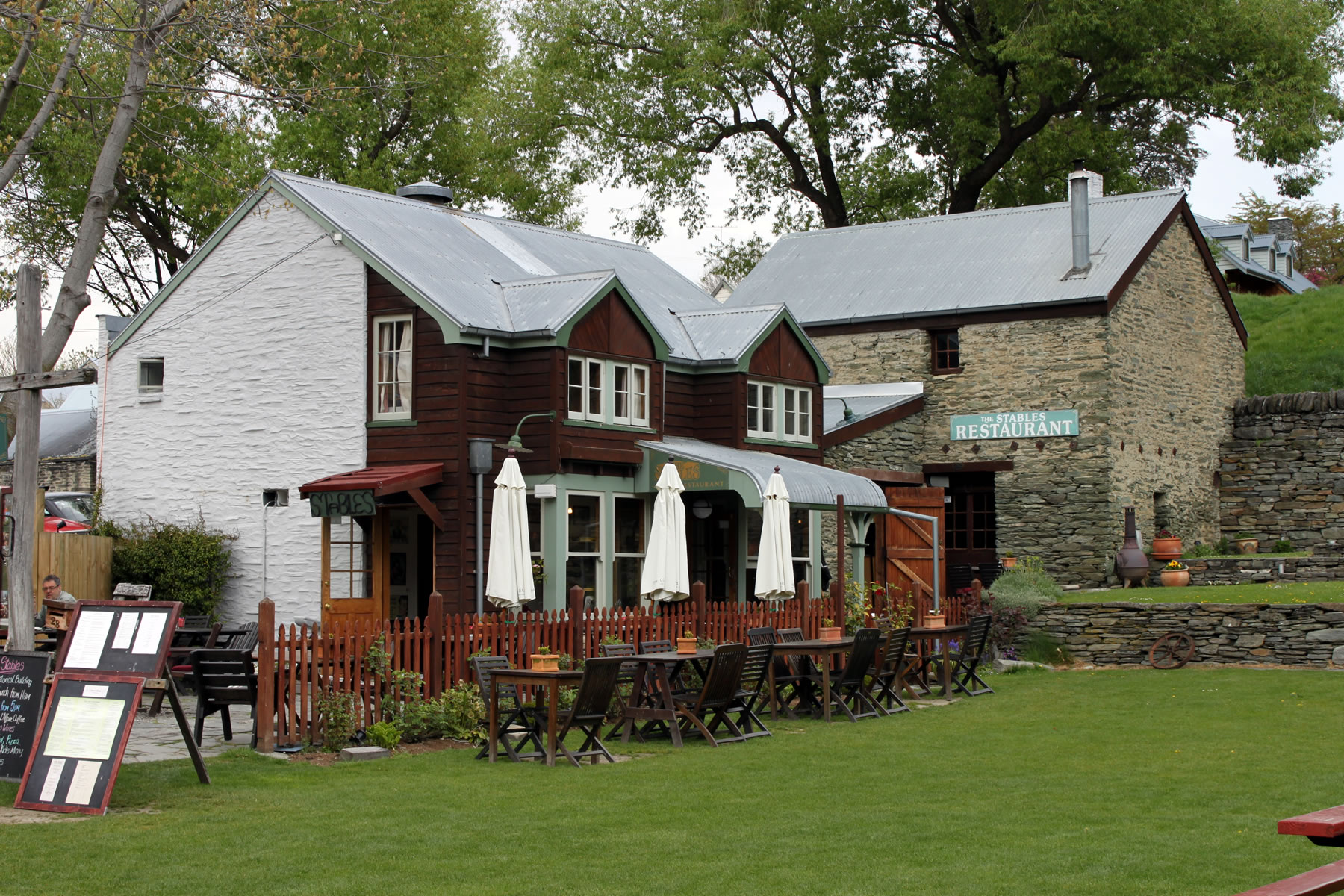






Following on from the previous version, this slideshow has the extra abilities to have captions for each slide, have previous / next arrows and the thumbnail indication of the current slide.
So FINALLY!! a CSS ONLY automatic slideshow that allows you to manually select the next image without switching to a manual mode which is as good as any javascript/jQuery version.
The slideshow stays in automatic mode and after selecting the next image shown it will continue in automatic mode from the selected image.
This uses 'transitions' instead of @keyframes to animate the images so there is no jump when selecting a new image.
However, it does use two @keyframes that increase the width of a containing element. The width is checked using @container queries and it is this width that is used to select the image to be displayed.
So, with just a few lines of CSS and HTML, finally a slideshow to match a javascript/jQuery version and it works in all the latest browsers.
Once all browsers support @keyframes animation of css variables, this method using @container queries can be made even simpler.
If you want to use this slideshow in your website design please keep the copyright comment in the stylesheet and consider making a support donation. Every little helps in keeping this website going. Note that I have stopped using intrusive Google advertising.