CSS PLAY
Doing It With Style

It is available on Firefox from version 114 by enabling the 'dom.element.popover.enabled' preference (needs to be set to true) flag in about:config.
See mdn web docs Using the Popover API
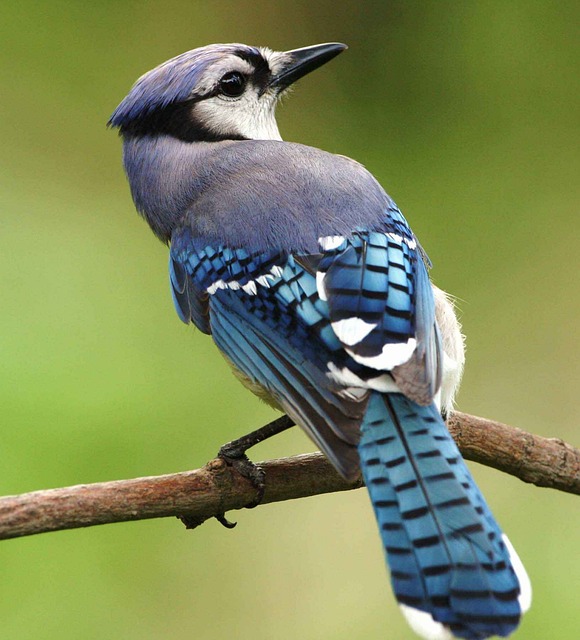
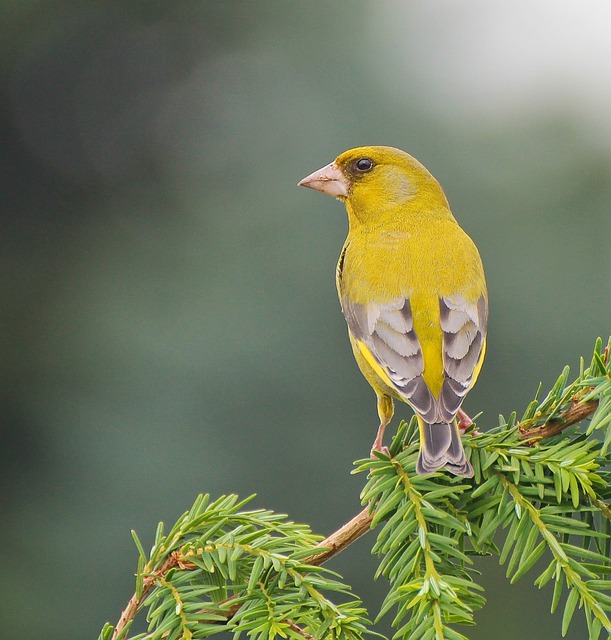
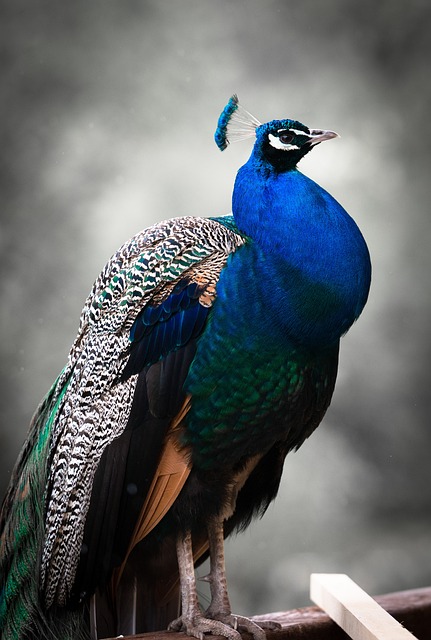
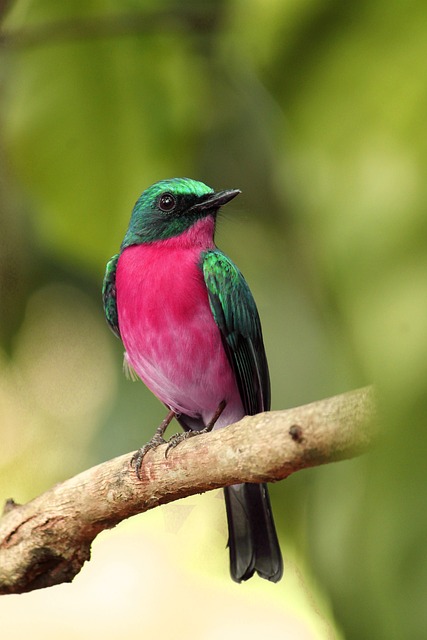
Hover any image to show the '⤢' icon, then click/tap the icon to see a 'popover' full screen panel showing the image enlarged to fit the screen.
To close this panel click/tap the '✕' icon.
While the 'popover' is showing, the vertical scroll of the page is stopped and the page can be seen blurred behind the 'popover'.
All this is achieved using just html and minimal css. No jQuery or javascript is necessary.